RushView APK Download
letest version 2027 for android
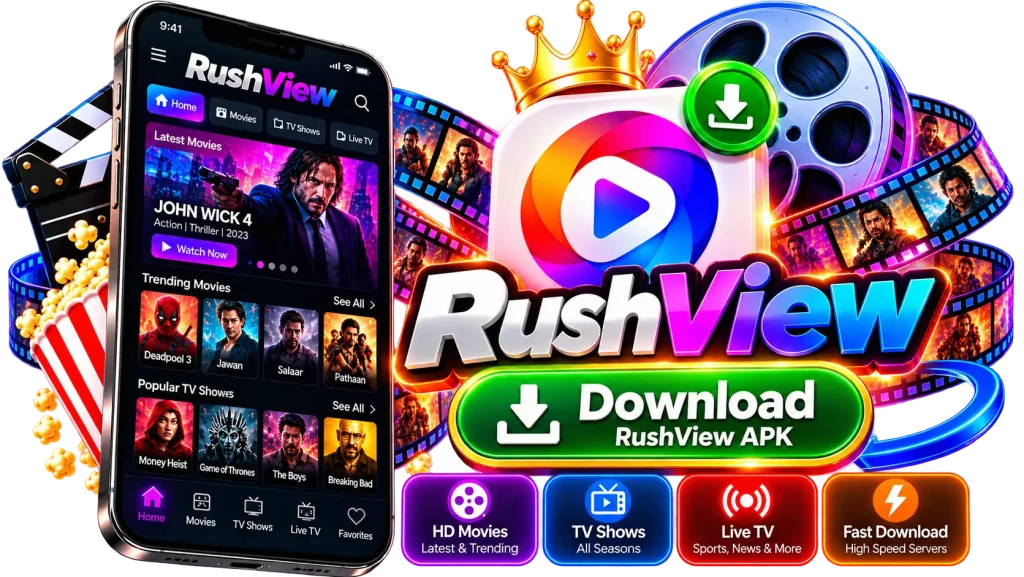
Download RushView APK for Android with version details, installation steps, old versions, safety tips and fixes for common APK errors.
Looking for Rush View APK download or RushView app download?
This page explains how to download and install RushView APK, what version to look for, how to handle old versions and how to fix common installation errors.
The commonly listed current version is RushView V3.0.1.
The package name is com.rush.rushenvi.
Current sources commonly list Android 7.0 or later as the requirement.
| Information | Details |
| App | RushView |
| Version | V3.0.1 |
| Developer | IT Tech Solutions Enterprise |
| Package | com.rush.rushenvi |
| Platform | Android |
| Android Requirement | Android 7.0+ |
| Format | APK / XAPK depending on source |
| Size | Around 53 MB for the listed APK |
| License | Free |
Before you download the file, check your phone.
Make sure your Android version is compatible.
Make sure you have enough free storage.
Use a stable internet connection.
Also check the file name and version after downloading.
Do not install a file simply because its name says RushView.
Check the developer and package information too.
- Open a trusted APK source.
- Search for RushView.
- Check that the developer is listed correctly.
- Check the version.
- Check the Android requirement.
- Check whether the file is APK or XAPK.
- Start the download.
- Wait until the file finishes downloading.
- Open your Downloads folder.
- Check the downloaded file before installing.
After downloading the APK:
- Open your file manager.
- Go to Downloads.
- Find the RushView APK.
- Tap the file.
- Android may ask for permission to install from that source.
- Only allow it if you trust the source.
- Tap Install.
- Wait for the installation to finish.
- Open RushView.
- Review the permissions requested by the app.
Keep Google Play Protect enabled.
Some APK websites use the XAPK format.
XAPK is different from a normal APK.
A normal Android installer may not install it directly.
If you download a RushView XAPK:
- Check the version.
- Check the file size.
- Use a trusted XAPK-compatible installer.
- Open the XAPK through that installer.
- Follow the installation instructions.
- Open RushView after installation.
Do not download random additional files just because an XAPK installation fails.
You may want an old version if your phone has compatibility problems.
Before using an old version, remember:
Older versions can have old bugs.
They may not work with newer websites.
They may have weaker security.
They can also come from unreliable APK archives.
Only use an older RushView APK when you have a clear reason.
If the APK says App Not Installed, try these fixes.
Check Android Version
Make sure your phone supports the version of RushView you downloaded.
Check Storage
Delete unnecessary files and free some space.
Download Again
The APK may be damaged.
Delete the old file and download it again.
Check Architecture
Some Android applications are built for particular device architectures.
A wrong package can fail during installation.
Check Existing Version
If another RushView package is already installed, there may be a conflict.
A parsing error can happen when the APK is damaged or incompatible.
Try downloading the file again.
Also check your Android version.
If RushView installs but crashes:
- Restart your phone.
- Open Android Settings.
- Find RushView.
- Clear the app cache.
- Open the app again.
- Check for a compatible newer version.
If you installed a modified APK, remove it and use a verified release.
If the download stops:
Check your internet.
Check your storage.
Try again.
Do not install an incomplete APK.
A RushView APK made for phones may not work properly on Android TV.
Check the Android TV version.
Check the APK architecture.
Also check whether the app can be controlled using a TV remote.
An APK is not a Windows application.
Do not download random EXE files claiming to be an official RushView PC version.
If you need to run an Android application on Windows, an Android-compatible environment may be required.
Before installing:
- Check developer name.
- Check package name.
- Check version.
- Check Android requirement.
- Check file type.
- Avoid modified APKs.
- Keep Play Protect enabled.
- Review permissions.
- Do not enter sensitive information on suspicious websites.